
Article reference KA-01955
Applicable to models: Dimplex Hub, Dimplex Control App
There are two recessed hidden buttons on the rear of the Dimplex Hub.
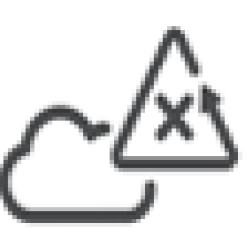
The button labelled with a cloud symbol is an account reset function. Pressing this while the Hub is connected to the internet will send an "account delete" request to for the account that the Hub is currently associated with, then peform a Hub Factory Reset. This allow the Hub to be re-used and associated with a new account, if the original owner's account details are lost.
Please make sure the hub is plugged into an internet connection via Ethernet cable and is powered up when this reset button is pressed, and leave the hub connected for a few hours as it can take a couple of hours for the reset to complete.
This button would typically be used in a property which has Dimplex Heaters and a Dimplex Hub installed and the property is sold / rented to new tenants and a new owner will take over the hub. By pressing this button before handing over the system, it ensures all previous account details are wiped from the Hub.
After a couple of hours, try using the Dimplex Control app to add the hub to your account and if the reset was successful, you should then be able to connect to the hub and add each heater to the hub.