
Article reference KA-02585
Applicable to models: Dimplex Hub, Dimplex Control App
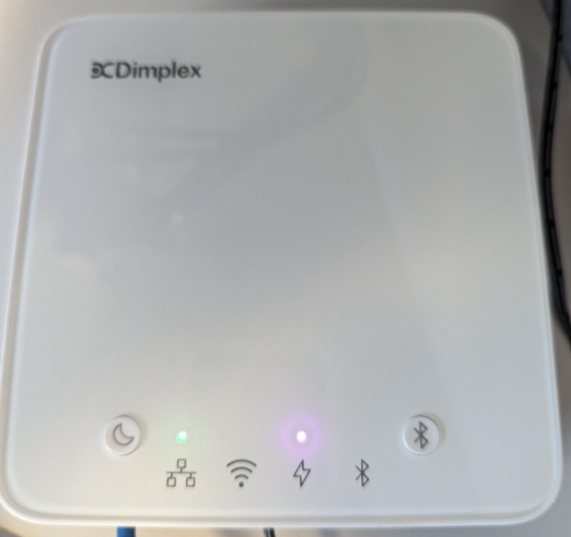
The power light will turn purple when the Hub is in Standby Mode.
Standby Mode is activated and deactivated by pressing the Standby (crescent moon) button.
This mode can also be activated when the Hub has low battery power. The Hub will need to be left on for a few minutes before pressing the standby button to turn on the Hub
Please note that the Hub may revert to a red power light before returning to a green
If the power light turns red and does not change from this. Please view this article: My Dimplex Hub has stopped responding on WiFi & there is a Red power (lightning bolt) LED lit up. The WiFi light lights up occasionally then goes back off.