
Article reference KA-02710
Landlord lock
If the landlord lock is active it will block access to certain options such as:
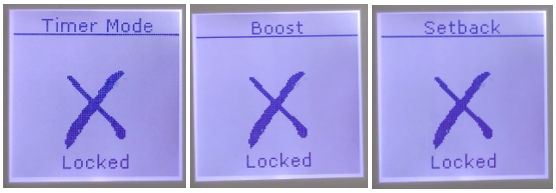
To disable Landlord lock, the Landlord or product owner should carry out the following:
- Press and hold Menu + Back + Enter
- When the Service Menu appears select Landlord Lock
- Enter the 4 digit pin number that was used to enable the lock
- On the next screen select Disable
You should then be able to access the standard menu level options and modes
Applicable models
XLE – XLE050, XLE070, XLE100, XLE125, XLE150
TSRE – TSRE050, TSRE070, TSRE100, TSRE125, TSRE150