
Article reference KA-02565
To view the current water temperature carry out the below steps -
- Make sure the green power LED is lit up. If it is not, press the power button (middle button on the left of the screen).
- Push & HOLD down the dial button (to the right of the screen) and keep it held down until the screen goes blank. Keep holding it down and it will then say "DISPLAY". At this point, let go of the dial.
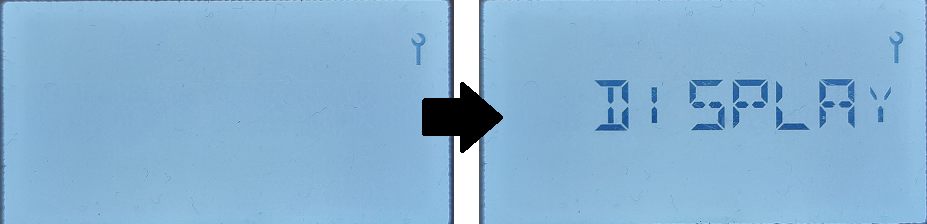
The screen will now show the current state of the cylinder.
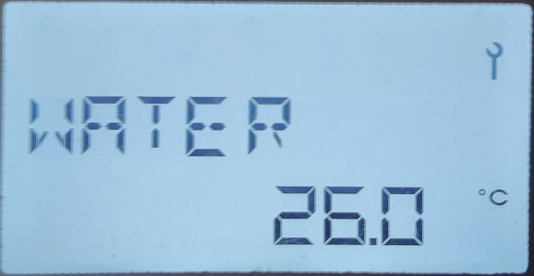
- Turn the dial to display WATER.
- Press MENU button to exit.
This is your current hot water temperature in the tank, measured approximately half way up the tank.
This is not your "target" temperature. To adjust your "target" water temperature, follow this guide.
Instructions manuals applicable to the size Edel you have can be found on our Dimplex Website: https://www.dimplex.co.uk/products/category/hot-water-heat-pump-23393?terms=edel&sort_by=title_a_z_sort
Applicable to models: EDL170UK, EDL200UK, EDL270UK, EDL170UK-520RF, EDL200UK-630RF, EDL270UK-630RF