
Article reference KA-02583
Applicable to Models: Dimplex Hub, Dimplex Control App
1. Download the Dimplex Control app
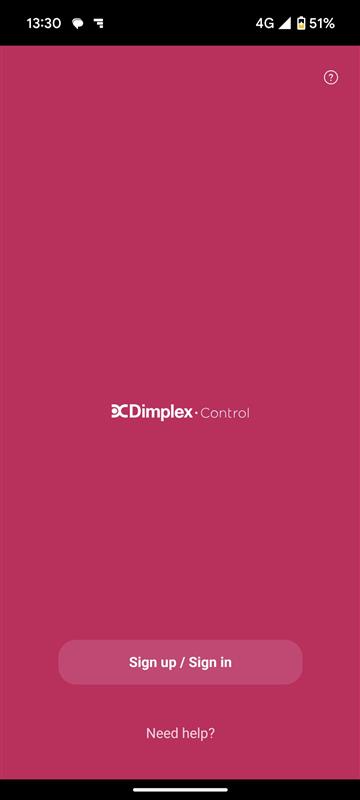
2. Open the app and click on sign in/sign up
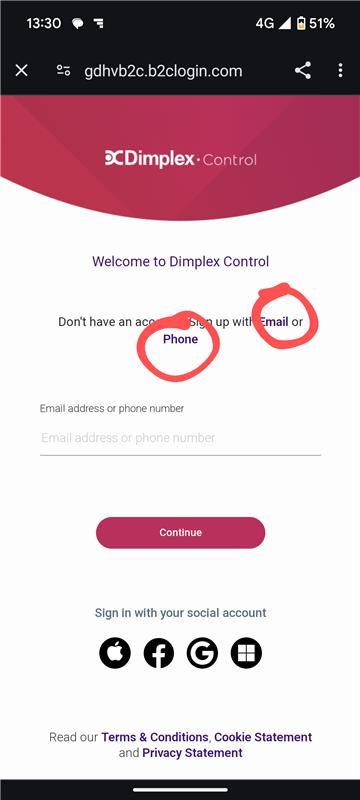
3. To register an account click on email or phone (if you have a social account you wish to use you can click on the respective logo at the bottom of the screen)
4. Enter your email address/phone number for a verification code
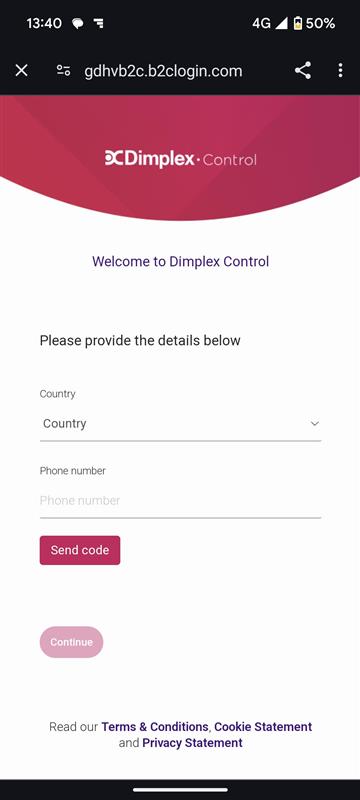
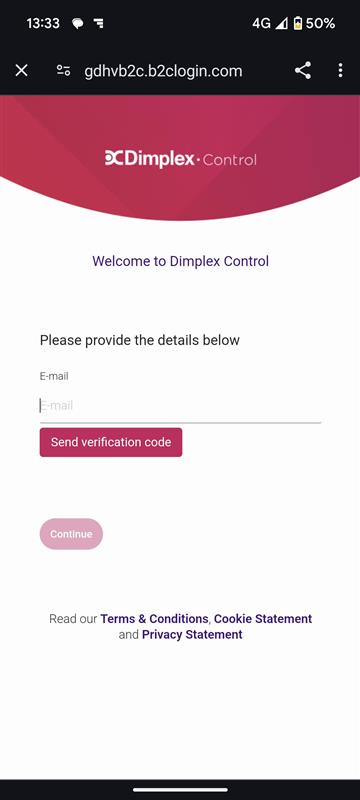
5. Enter your verification code
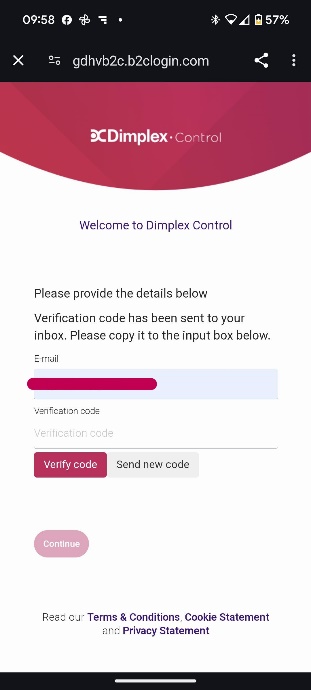
6. Enter your personal details as requested on the app
Please see article “How do I add a Hub when using the Dimplex Control app?” to register your Hub