
Article reference KA-01931
Yes, however first, check your product is compatible here: https://www.dimplex.co.uk/dimplexcontrol/compatibility
If compatible, check you have an RFM installed into your product and that the product is linked via the Dimplex Hub. It may be that you need to purchase additional hardware such as the RFM in order to enable connectivity.
If you have all the above, download the Dimplex Control App via Google Play Store or the App Store.
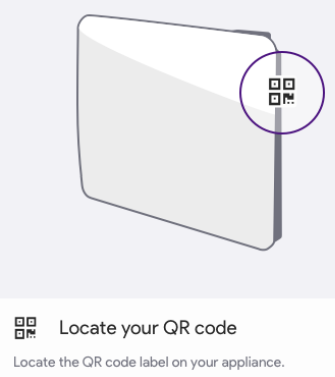
Set up an account on the app, and add the product using the GDID code. This can be done by scanning the QR code or manually, by entering the code into app using the code on the product.
(see example diagram below of where a GDID is located)
Keywords:
Compatibility, Dimplex Control, RF Compatible