Article reference KA-01959
Applicable to models: Dimplex Hub, Dimplex Control App
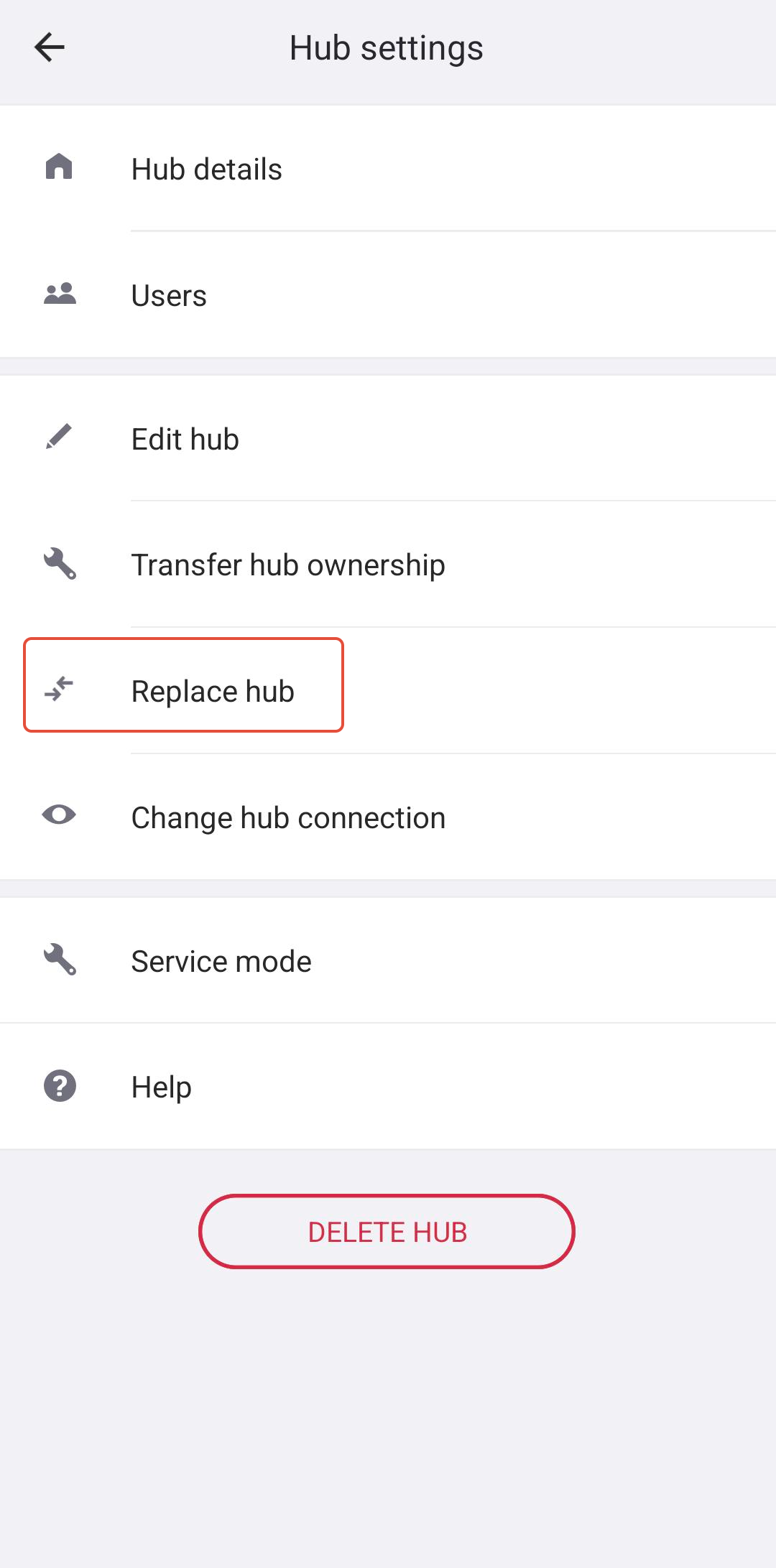
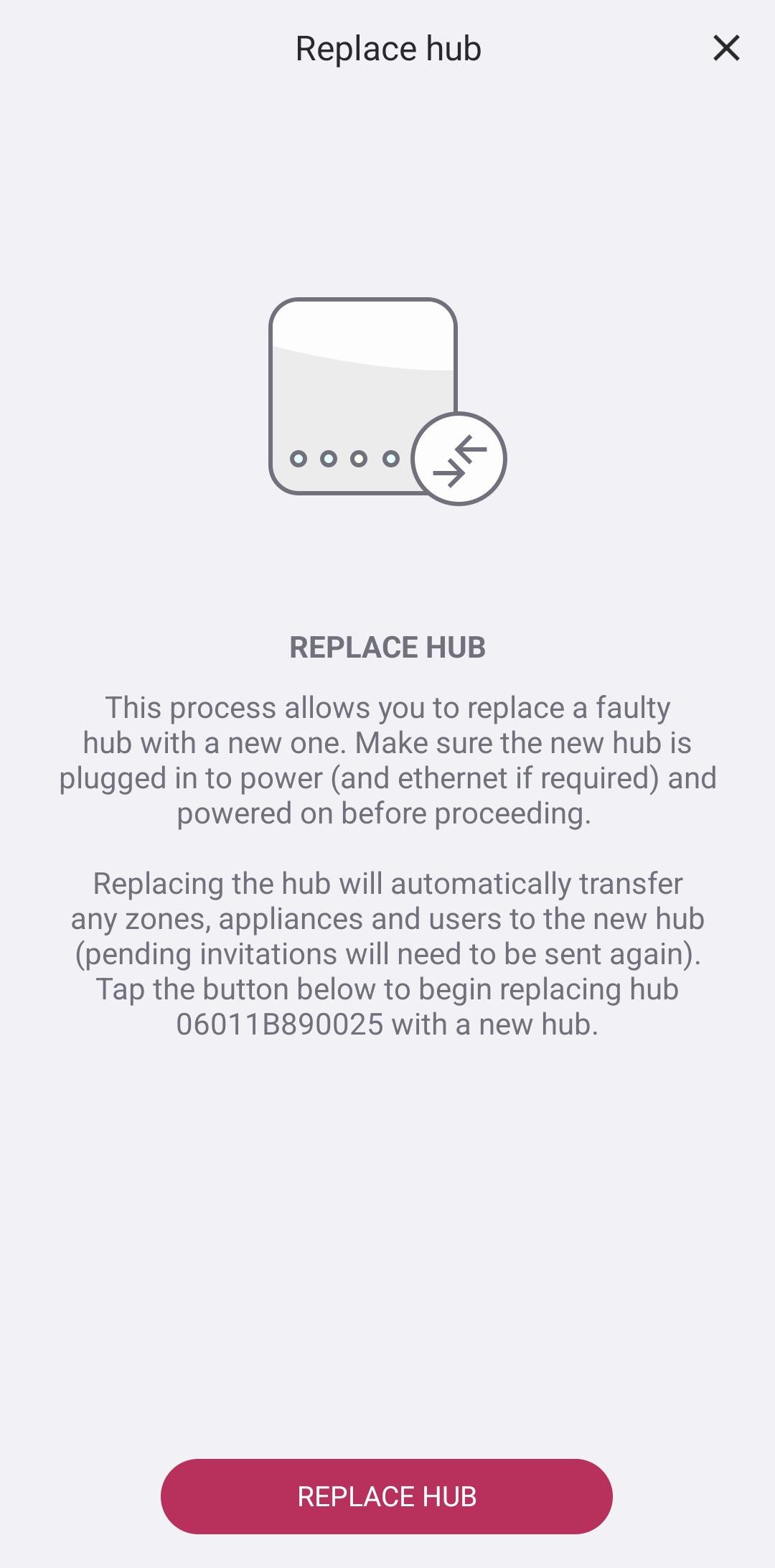
The Dimplex Control app has a Replace Hub feature that allows you to replace a faulty Hub whilst automatically transferring any zones, appliances and users to the new Hub.
Please note that any pending user invitations will need to be sent again.
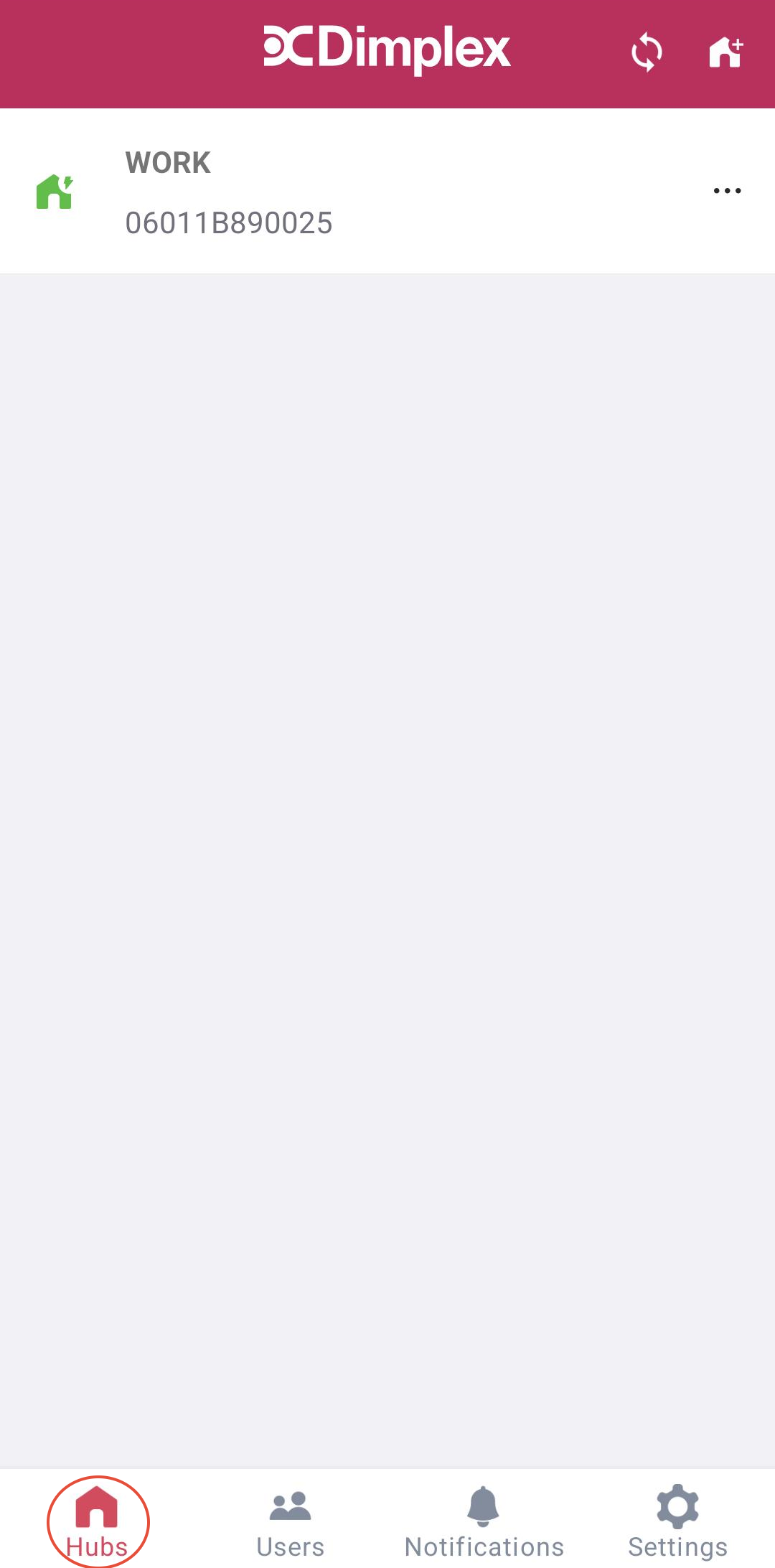
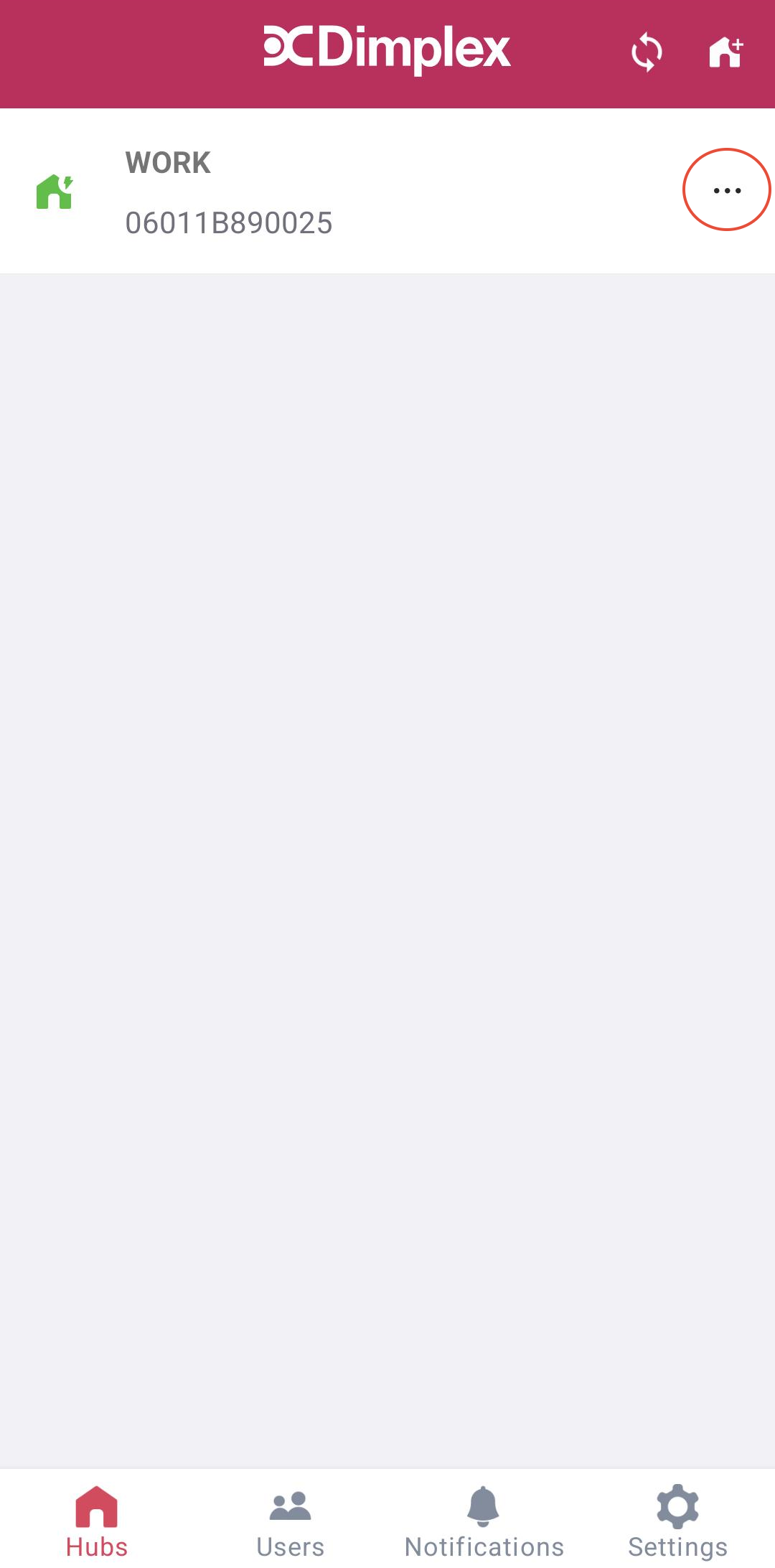
To access the Replace Hub Feature you will need to access the Hubs menu. You will then need to press the "..." icon to access the Hub Settings:
From here select Replace Hub and then follow the instructions on the app.